Each product we feature has been independently selected and reviewed by us. If you make a purchase using the links included, we may earn commission.
GAMESIR X2 PRO Review
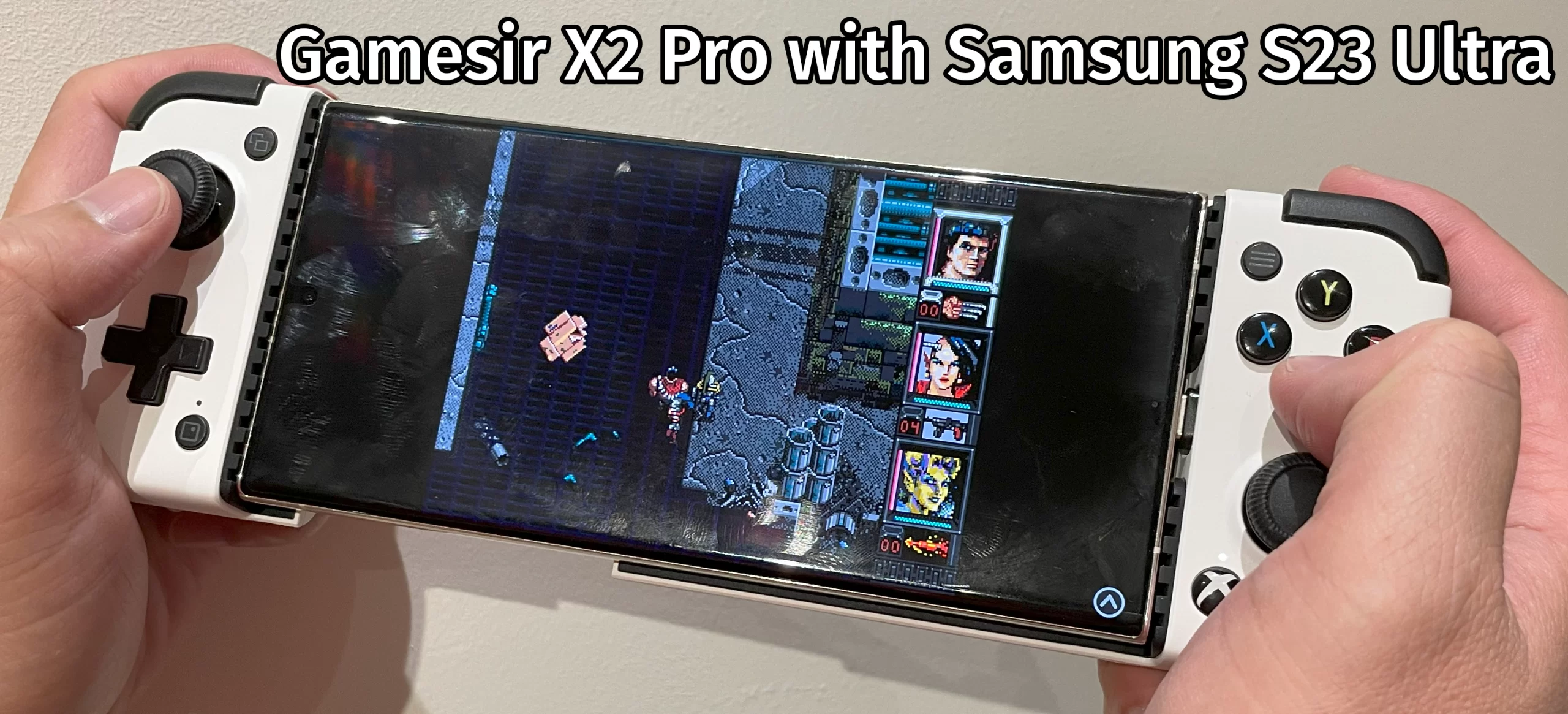
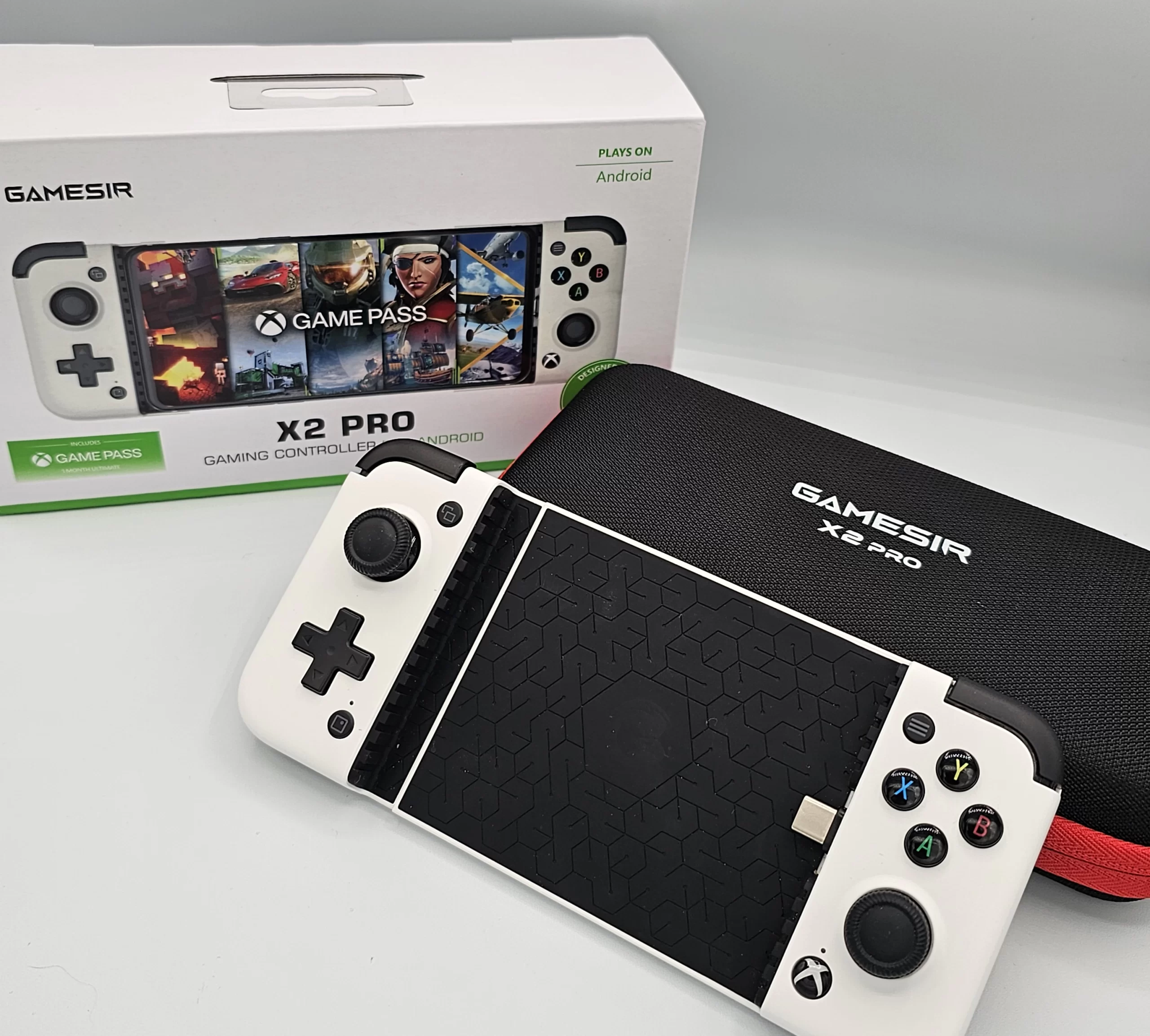
The popularity of mobile gaming and gaming, in general, exploded, especially during the pandemic when many people were at home looking for ideas to pass the time. The issue with mobile gaming has always been the lack of precision when using touch controls in more demanding titles like Fortnite or emulating retro games. There have been a few controllers released for smartphones over the last few years, and the one we decided to try out is the Gamesir X2 Pro. While we cannot comment on the other controllers since we’ve only tried this one, the top choices tend to be the Gamevice Flex, Backbone One, and this. Neatly packaged with a carrying case and two sets of thumbstick grip protectors, the Gamesir X2 Pro is a pleasant experience as soon as you unbox it.
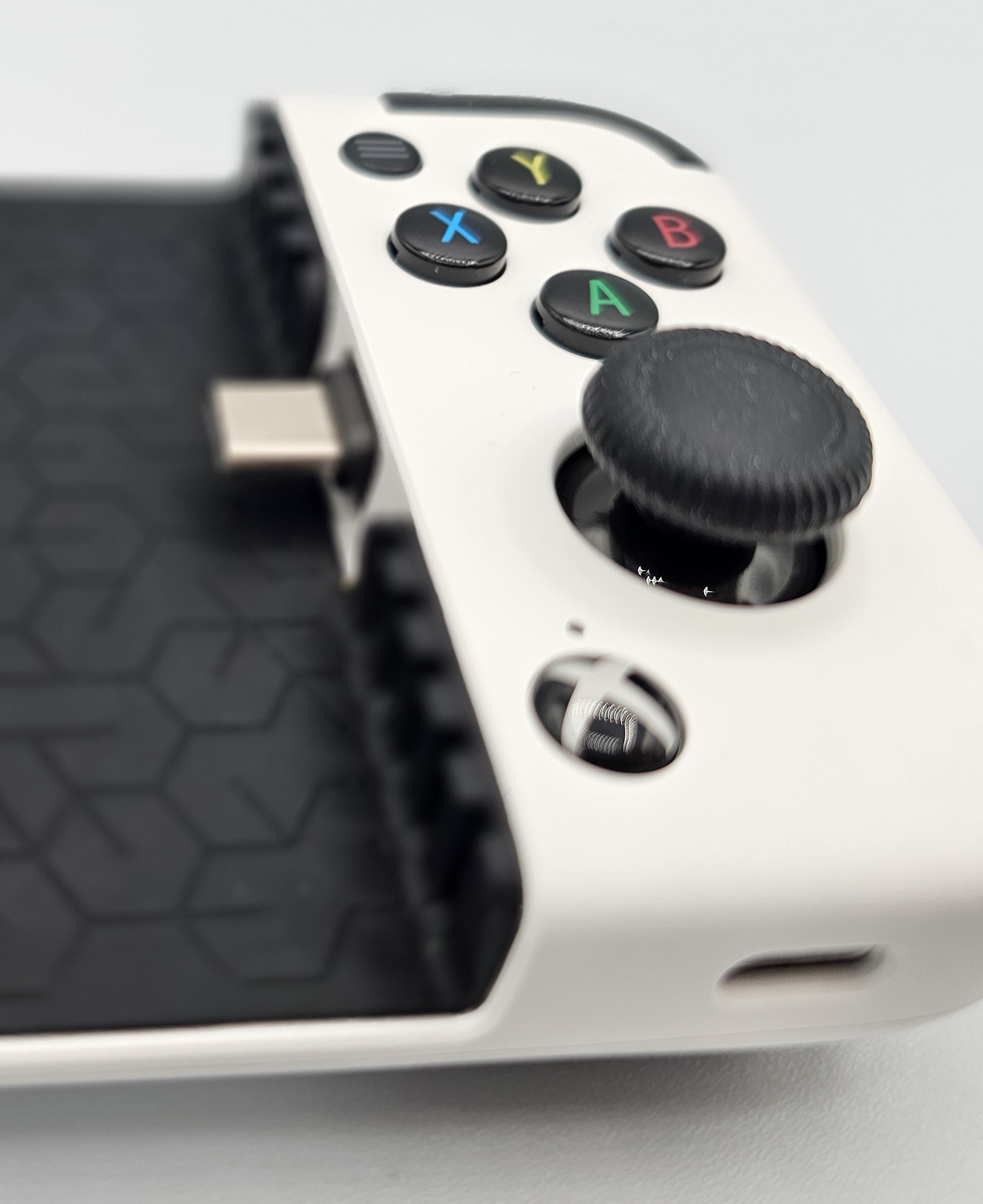
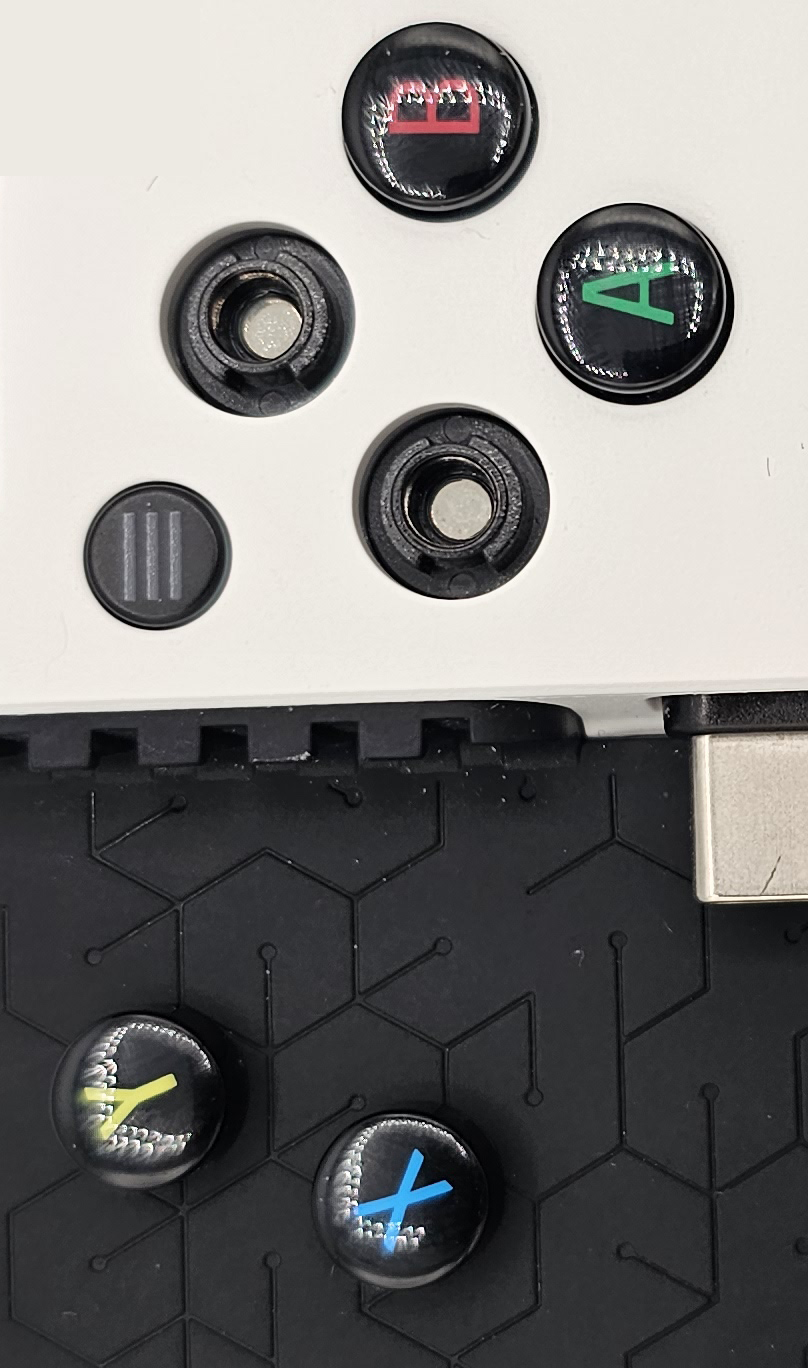
The buttons feel very nice to use but are noisy when pressed and could be annoying if you are gaming with people around you. L/R buttons have a high-pitched click, and the D-pad/face buttons have a lower-pitched click. The face buttons are connected by magnets, allowing you to swap them around as needed. The most important feature is that the analog sticks have hall effect sensors, meaning they use magnets to calculate movement and have no moving parts. If you know the difference between a hard drive and a solid-state drive, you’ll know that this is a good thing!
PC Gamer
Hall effect sensors use magnets to calculate position and don’t contain any moving parts.
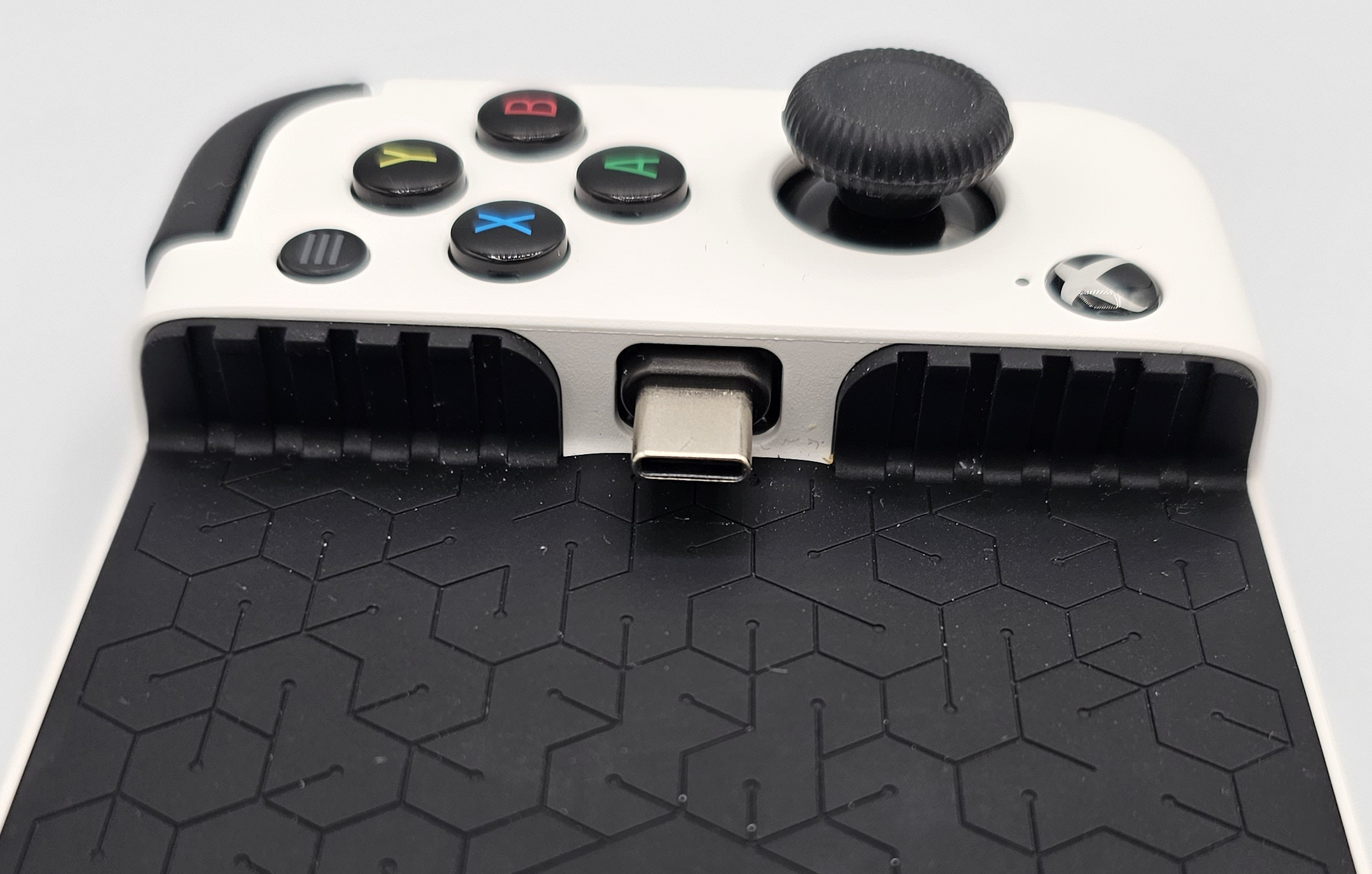
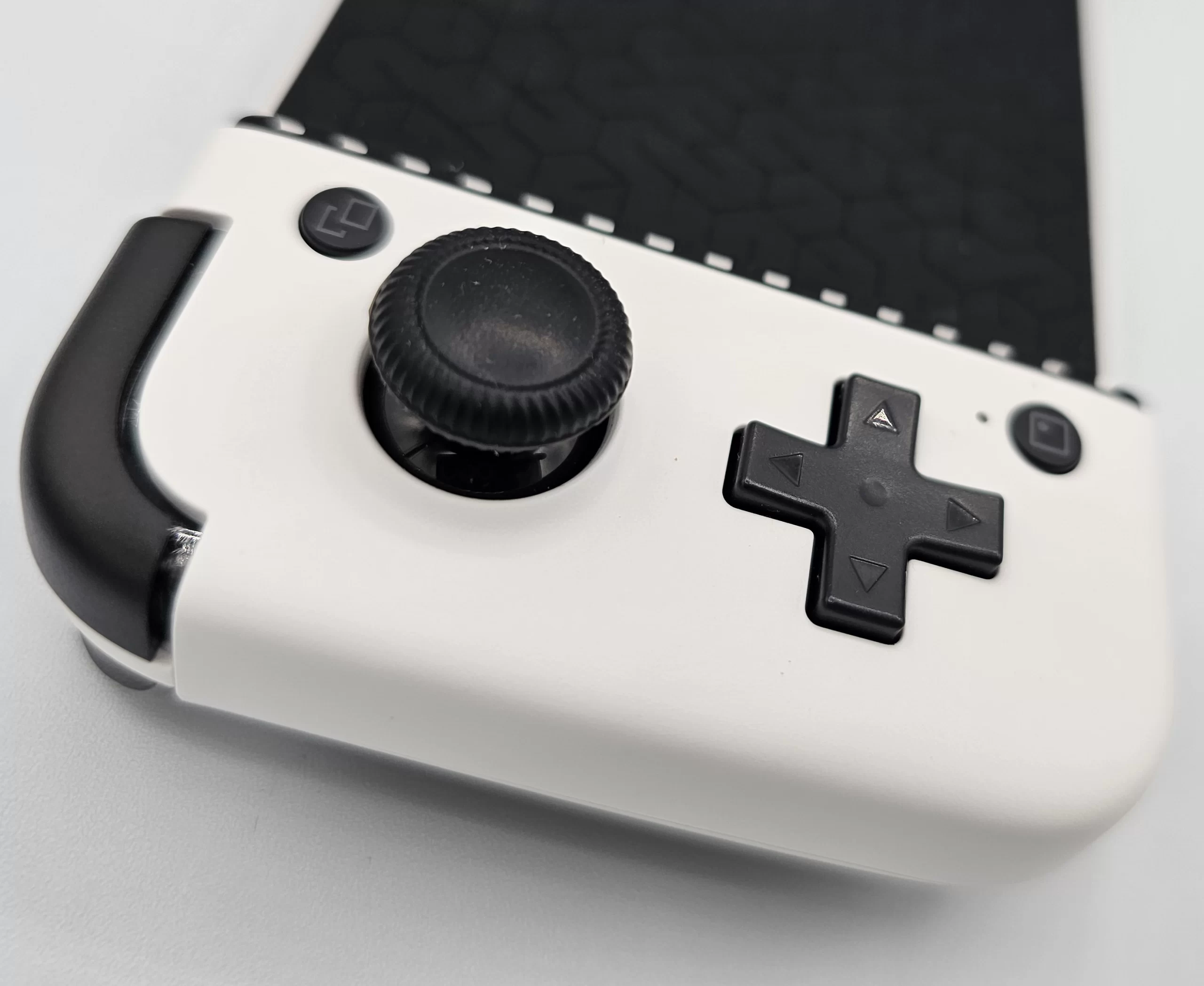
The USB-C adapter has a movable base, so you can quickly dock or remove your device
I imagine, with a wide variety of Android phones on the market, there may be some that just don’t fit this controller. To reduce that list, Gamesir made a solid design choice with the USB-C adapter. It has a movable base, which swings back and forth, so you can quickly dock or remove your device. The amount of positional variation of the USB-C may help with the compatibility of more devices.
The rubber back and inner sides of the controller are sturdy and keep your phone in place while being soft enough to prevent scratches. The spring holding the entire thing together seems to be very strong.
I have had an enjoyable three weeks with the Gamesir X2 Pro, playing retro games I haven’t played in years. The only issue with this controller is you will likely need to remove your case. The USB-C sits just below the rubber edging, so a cased phone would make the connector a touch too far. Of course, your mileage may vary depending on the case. Some folks on Reddit have had success removing the bottom rubber to expose the entire USB-C, allowing a cased phone to rest on the hard plastic instead. I wouldn’t do this as I don’t find it annoying to remove my case when I want to play, but it’s an option!
compatible with most emulators and retroarch
The most popular Android emulators like Redream, PPSSPP, DuckStation, AetherSX2 and more fully support the X2 PRO since it is considered a wired Xbox controller. Retroarch compatibility covers most of the 32-bit era and earlier.
Gamesir App for firmware updates, mantis pro app for controller mapping
The Gamesir app from the Play Store doesn’t allow controller mapping, so they advise you to grab the one from their website. That version asks for too many permissions for my liking, so I recommend Mantis Pro to map this controller to any on-screen virtual controller.
1 Month of FREE xbox game pass ultimate
Included in the box is a code which gives you one month of free Game Pass Ultimate, even for existing users. The service is worth it if you have an Xbox, but don’t bother if you’re only using it for X-Cloud. Currently, the service is inferior to Geforce Now in every way.